

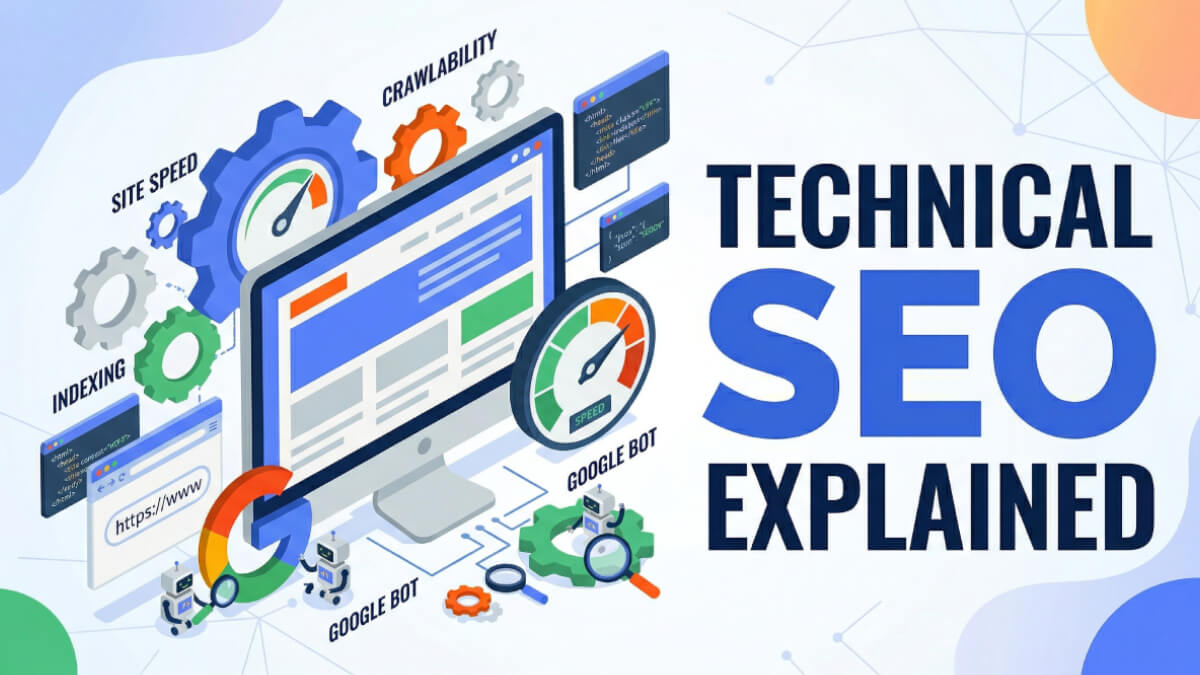
If your website has great content but still isn’t ranking well, you might be missing a critical piece of the puzzle: technical SEO.
In this post, I’ll explain what technical SEO is, why it matters, and how you can improve it — even if you’re not a developer. Whether you’re a business owner, blogger, or e-commerce manager, understanding the technical side of SEO can unlock better rankings and faster performance.
What Is Technical SEO?
Technical SEO refers to the process of optimizing your website’s infrastructure to help search engines crawl, index, and rank it effectively. It’s not about the content on your pages — it’s about how your website is built and how well it performs under the hood.
Think of it like this: content is what people see, but technical SEO is what helps Google find and deliver that content to searchers.
Why Technical SEO Matters
Even the best content won’t rank if your site is slow, hard to crawl, or full of errors. Technical SEO affects:
- Search engine access: If Google can’t crawl your site, your pages won’t appear in results.
- User experience: Fast-loading, mobile-friendly websites rank better and convert more.
- Overall rankings: Technical errors drag down site authority and trust.
Key Elements of Technical SEO
1. Site Speed Optimization
Page speed is a ranking factor. A slow website frustrates users and increases bounce rates.
Quick wins:
- Compress images
- Use caching plugins (like WP Rocket)
- Minify CSS, JS, and HTML
- Choose fast hosting
2. Mobile-Friendliness
Your site must be fully responsive. Over 60% of traffic comes from mobile.
Use Google’s Mobile-Friendly Test to check your site and fix layout, button size, and font issues on small screens.
3. XML Sitemap and Robots.txt
Your sitemap helps Google find your pages. Your robots.txt file tells it what to skip.
Checklist:
- Submit sitemap in Google Search Console
- Ensure no key pages are blocked in robots.txt
- Avoid orphan pages (pages with no internal links)
4. Clean URL Structure
URLs should be short, readable, and keyword-based.
✅ Good: example.com/seo-services/technical-seo/
❌ Bad: example.com/?p=123&ref=abc
5. Core Web Vitals
These metrics measure page speed, interactivity, and visual stability — and they directly affect rankings.
Tools like PageSpeed Insights or Lighthouse can show if you’re meeting Google’s standards.
6. Canonical Tags
They prevent duplicate content issues by telling search engines which version of a page is the “master” copy.
Use canonical tags on product pages, blog categories, or any duplicated variations.
7. Structured Data (Schema Markup)
Add schema to help search engines understand your content (e.g. articles, reviews, business info).
Tools like Schema.org or plugins like Rank Math can help you set it up easily.
How to Know If You Need Technical SEO Help
- Your site is not showing up in Google at all
- Pages take longer than 3 seconds to load
- You have frequent crawl errors in Google Search Console
- Traffic has dropped suddenly without reason
If any of these sound familiar, it’s time for a technical SEO audit.
Final Thoughts
Technical SEO may sound complex, but the right fixes can make a huge difference in your website’s performance and rankings. It’s the foundation that supports everything else — content, backlinks, and user experience.
If you’re unsure where your site stands, I offer complete technical SEO audits with clear action plans you can actually understand and implement.
Want to know what’s slowing your site down?
Request a Free Technical SEO Audit and let’s fix the issues holding your traffic back.